No data trails
Other payment providers collect and analyse information about your shopping habits. With Taler, your purchases remain private.
The Taler Wallet app functions as a digital wallet. Once installed, the "Withdraw" feature allows you to transfer digital cash from your bank account to your wallet. However, please note the standard processing times for bank transfers in Switzerland. With the Taler Wallet app, you can pay as usual via QR code or NFC.
Why Taler?
Other payment providers collect and analyse information about your shopping habits. With Taler, your purchases remain private.
Taler is free through the end of 2027, and stays considerably cheaper than today's alternatives after that.
More about feesThe Taler Wallet has no access to your bank account. You can only spend what you have previously transferred to it.
The entire Taler payment system is developed as free software: transparent, verifiable and open to improvement.
Scan the QR code, confirm the amount, and you are done.
Allow NFC, confirm the payment, and you are done.
| Merchant | Description | Action |
|---|
| Merchant | Description |
|---|
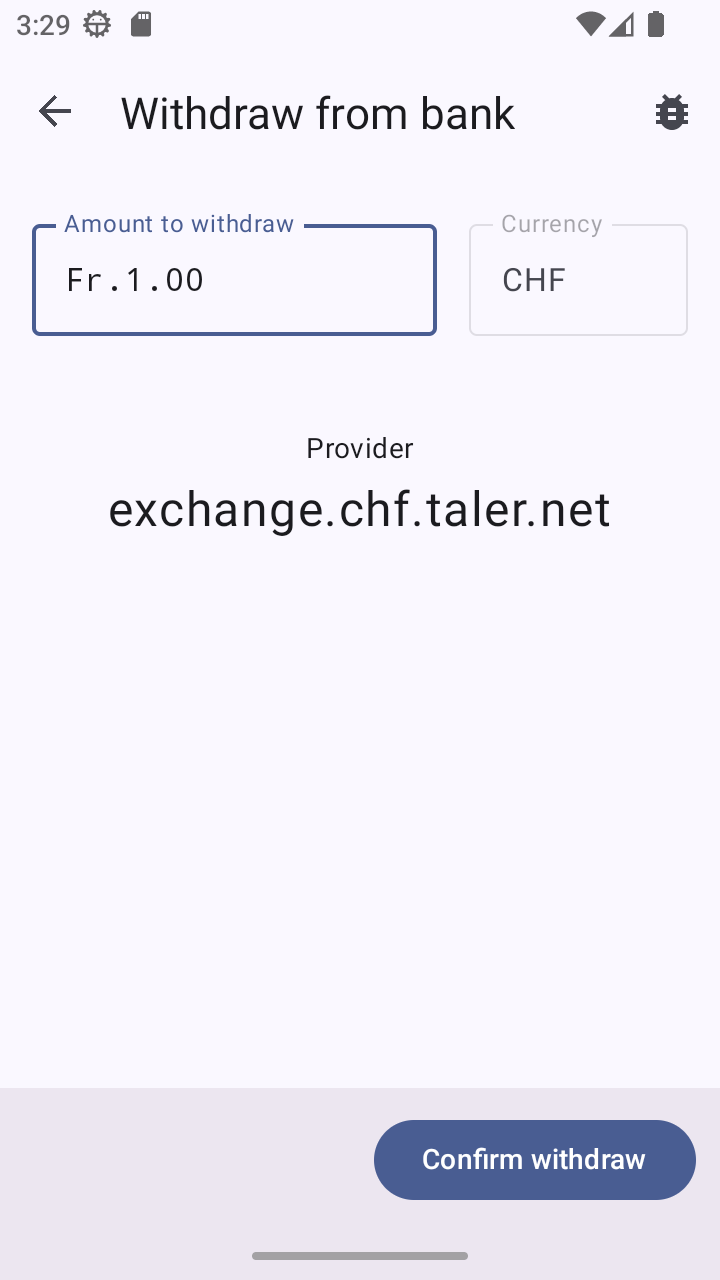
“Withdraw” provides the transfer details needed to top up your wallet. Allow up to two bank working days for the transfer.
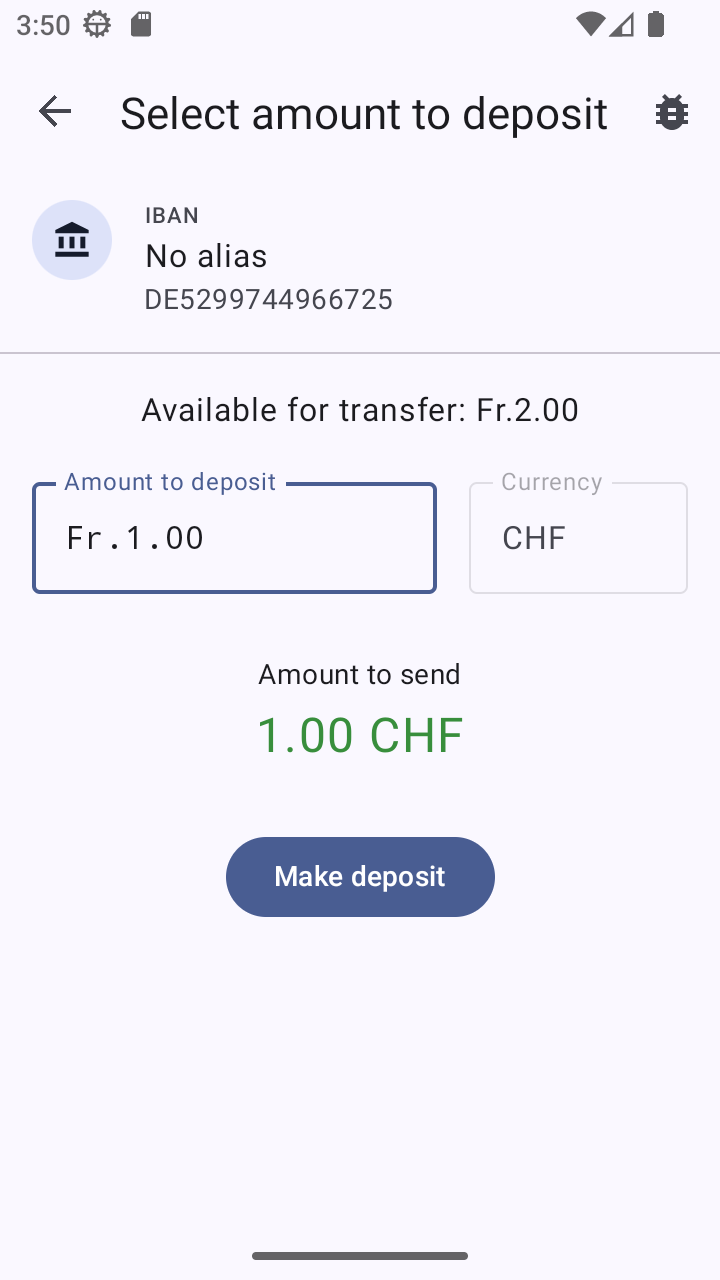
Use “Deposit” to transfer money from your wallet app back to your bank account.
Use “Send” to send an amount to another Taler Wallet. The payment is booked once the recipient accepts it. Because anyone can use the link or QR code, send it through an encrypted channel such as a secure messenger.
Use “Request” to receive money from another Taler Wallet by QR code or link. The other party must approve the payment.
A regular wallet and your Taler Wallet app have a lot in common. For example, you can only spend money that you've previously withdrawn from your account. You can find more answers to your questions here in our FAQs:
Respect for your privacy. Many payment service providers sell their customers' data. Where do you go on vacation? How much do you spend on a meal or concert tickets? With the Taler Wallet app, this information stays private.
Yes, Taler is as secure as cash. If you lose your smartphone with a full wallet, your funds will be gone—just like with a physical wallet. If you have created a backup, you can restore your balance using it.
You are not linking the Taler Wallet app to your bank account. Just like with a real wallet, you can only spend the digital money you have in your Taler Wallet. When adding funds, please keep in mind that transfers may take up to 2 business days to process.
Yes, by backing up your Taler Wallet app, you’ll keep your money even if you lose your smartphone. Any funds that have already been spent cannot be used again, even after restoring an older backup.
Yes, go to Settings and choose Protect access to wallet. If you enable this option, your device’s security measures—such as your fingerprint or password—will also be used to protect the app.
Yes. You can download Taler Wallet from the F-Droid store. Please note that Google is currently making it more difficult to use F-Droid on conventional Android systems.
Yes. Your smartphone needs an internet connection over Wi-Fi or mobile data when you pay. You can also pay from a printed Taler QR code – on a pick-your-own flower field, for example.
No, just like with your regular wallet, you can only spend as much money as you have in your Taler Wallet app. This way, you can always keep track of your spending.
The number of locations that already accept payments via Taler Wallet is growing steadily. Currently, the focus is on Biel/Bienne. You can view the current locations that accept Taler Wallet on our map.
Yes, there are already first online stores where you can pay for your purchases or tickets using the Taler Wallet app.
To transfer money from your Taler Wallet to your own bank account, you must first transfer money from that same account to your wallet once. This verifies that the bank account belongs to you. A transfer of one cent is sufficient. Please allow up to 2 business days for the bank transfer to be processed. Alternatively, many banks already offer instant transfers, some of them free of charge. Your money is then in your Taler Wallet almost immediately.
When you pay using Taler Wallet, you will automatically receive a receipt in your app. This receipt serves as proof that you purchased the item. The purchase amount will be refunded by the respective company.
It's like throwing away your wallet. If you still have money in your Taler Wallet app, it will be lost if you don't have a backup. So transfer any remaining balance to your bank account before you uninstall the app.
In principle you can use the money in your Taler Wallet indefinitely. For that, your smartphone and wallet do have to go online at least once every 12 months. An example: you switch smartphones but forget to move your Swiss francs over to the new Taler Wallet. If the old smartphone never reached the internet again, your Taler would expire – 12 months after that wallet was last online.
The Taler payment system is being developed as a project at the Bern University of Applied Sciences (BFH) in Biel by staff and numerous students working under the guidance of Prof. Dr. Christian Grothoff. The "Next Generation Internet" (NGI) TALER pilot project, established for this purpose, includes eleven European companies, universities, values-driven banks, and civil society organizations. Their goal: to improve digital payments. Taler is currently being rolled out in Switzerland, and negotiations are underway with the first EU countries, such as Germany and Hungary.
Are you having problems with your Taler Wallet app? If so, please send us an email describing as precisely as possible what isn’t working as expected. Please also include your smartphone’s operating system and the version number of your Taler Wallet app (found under Settings). Our email address is support@taler.net.
Taler Operations AG is responsible for market entry in Switzerland. Taler Systems SA is based in Luxembourg and is responsible for developing the entire Taler payment system.
In 2026 and 2027, paying with the Taler Wallet app in Switzerland is free for you. From 2028, small fees apply when you pay with the Taler Wallet. Many shops and businesses will cover these fees for their customers. If a payment does incur a fee that you have to pay, your Taler Wallet app shows it before you confirm the amount. At that point you can still cancel the payment.
If an amount cannot be matched to a wallet for 4 weeks – because the letter-and-number code in the payment reference contains a mistake, for example – the transfer is returned to your account. Please note that your wallet has to be online for payments to be credited. Taler charges nothing for this through the end of 2027.
From 2028, the fee for a returned transfer is expected to be 0.2 CHF.